Hide messageView More

Recursos en Español

Para encontrar recursos de ASERT que han sido traducidos al español, haga clic aquí.
To find ASERT resources that have been translated into Spanish, click here.

Quick links: MyODP ASDNext AidInPA PhillyAP

Online Safety - Social Story

Overview

This resource provides a visual guide for individuals with autism about how to be safe online.
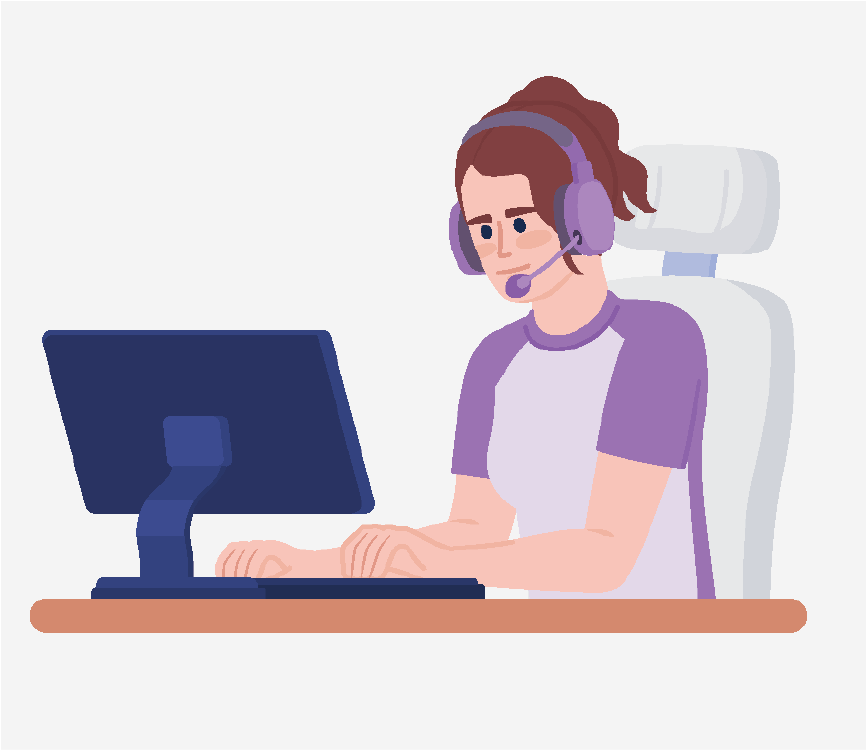
A girl typing on a computer and wearing a purple headset.

The internet can be great for finding information, playing games, or even meeting people.

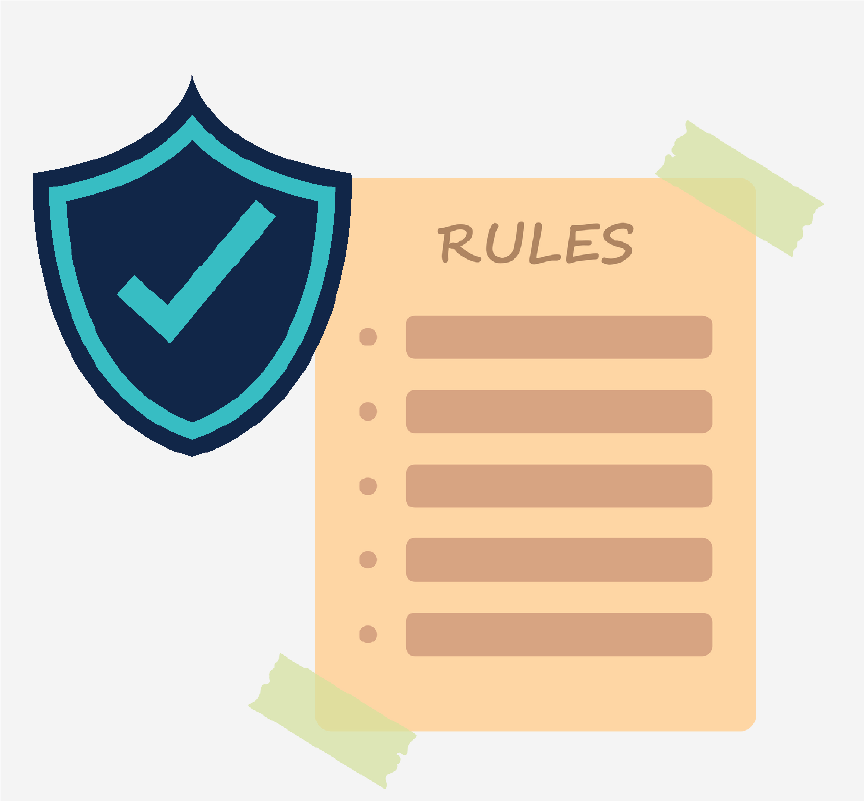
A blue shield with a checkmark inside next to a list of rules.

But there are rules you should follow to stay safe.

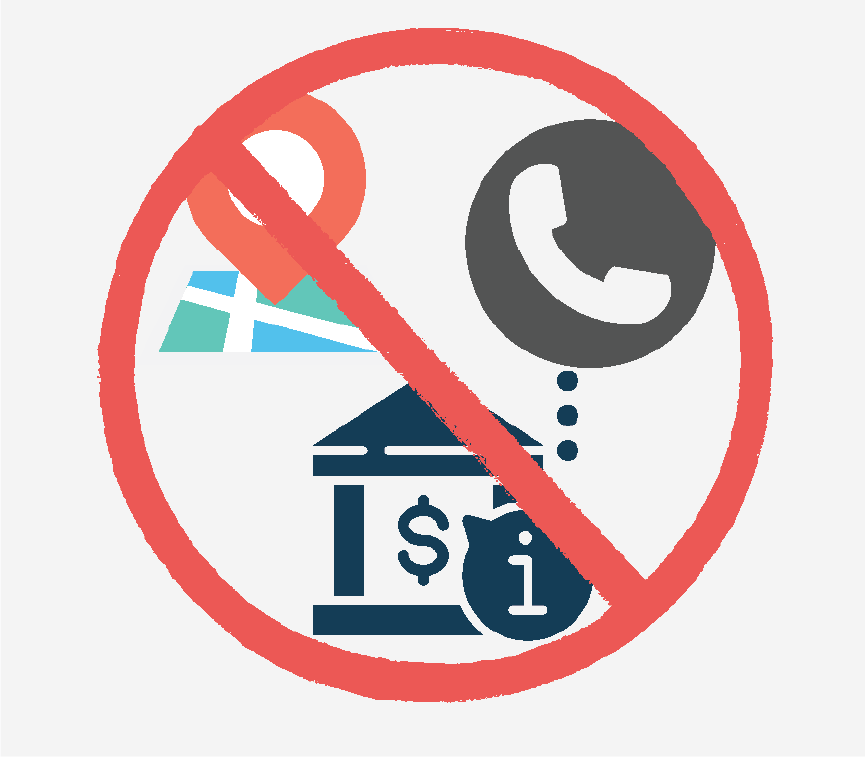
A map marker, a phone icon, and a bank building covered by a red circle with a line through it.

Don’t give personal information like your address, phone number, or bank information.

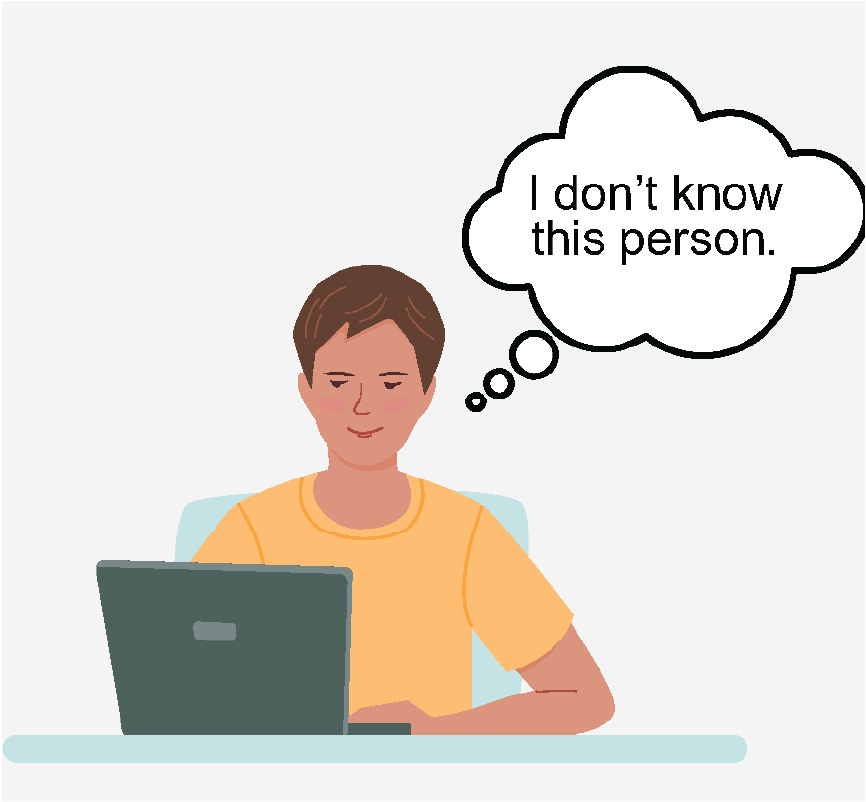
A man looking at a laptop and thinking,

You should avoid talking to strangers.

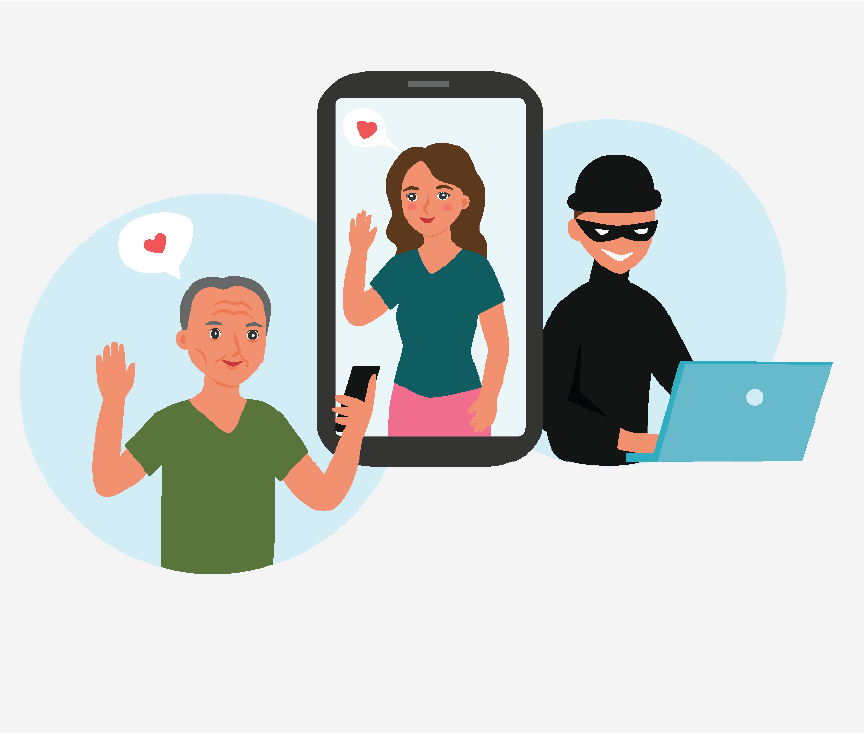
A man looking at a picture of a woman on his phone with a heart above him. There is a scammer, dressed in all black, looking at a laptop to represent online catfishing.

People are not always who they say they are and sometimes don’t do what they promise.

A red square with a white outline of a browser window at the top, and a white triangle with a white exclamation mark inside it, indicating a warning or error.

Avoid unknown or unsecure websites or chatrooms as these can be unsafe.

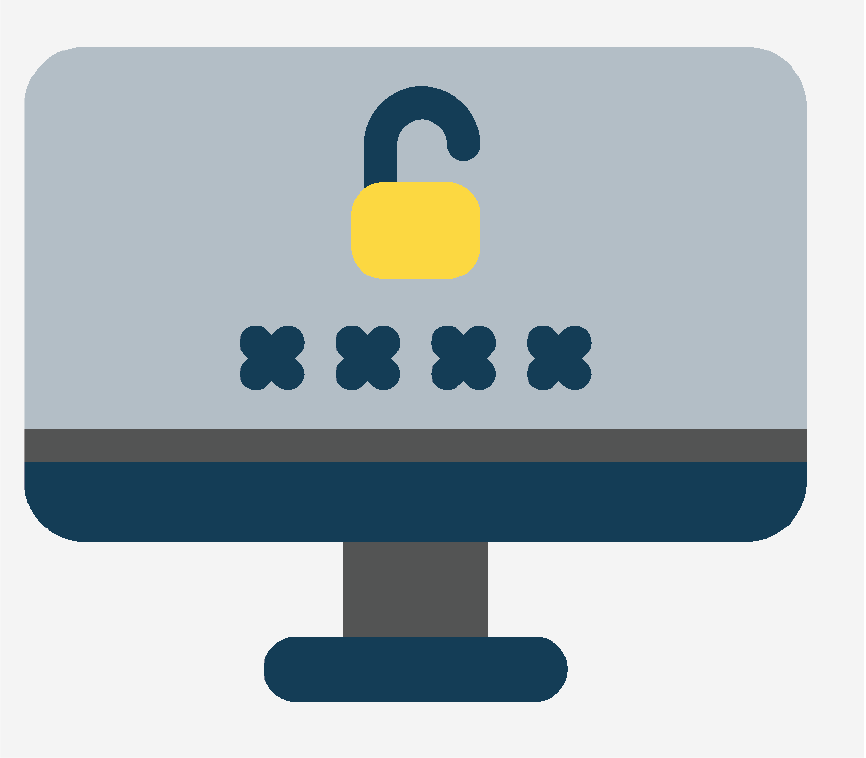
A computer with a lock icon on the screen to represent that it's password protected.

To help protect your privacy and safety, keep computers and accounts password protected.

A man and woman standing together. The man is wearing a backpack on one shoulder.

Only share passwords and account information with parents or trusted adults.

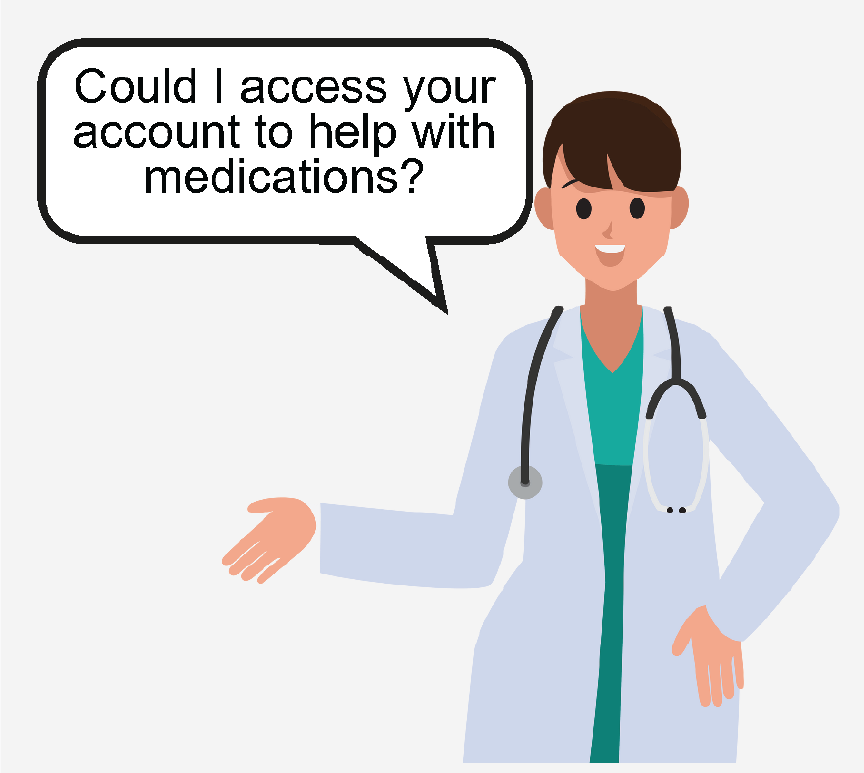
A doctor asking,

Sometimes people may need to access your personal information and accounts to help you.

A parent, a teach, and a doctor standing together.

These people can be parents, teachers, or doctors. They should ask permission first.

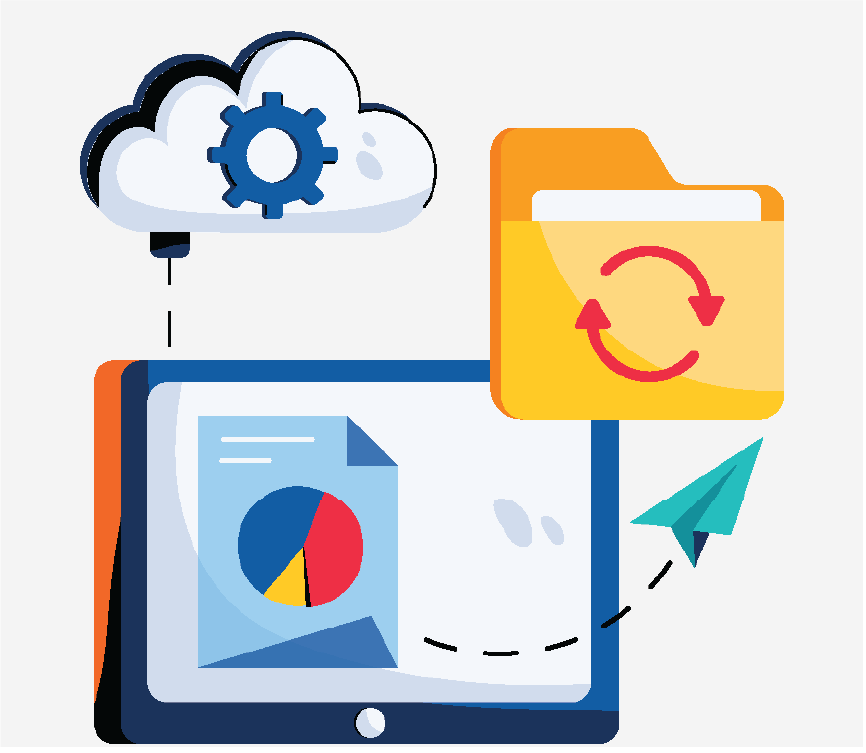
A cloud icon with a gear inside it, a tablet displaying a pie chart, a folder with a refresh icon, and a paper airplane represent data and cloud storage.

Always save the files on your computer in case there is a problem and things break.

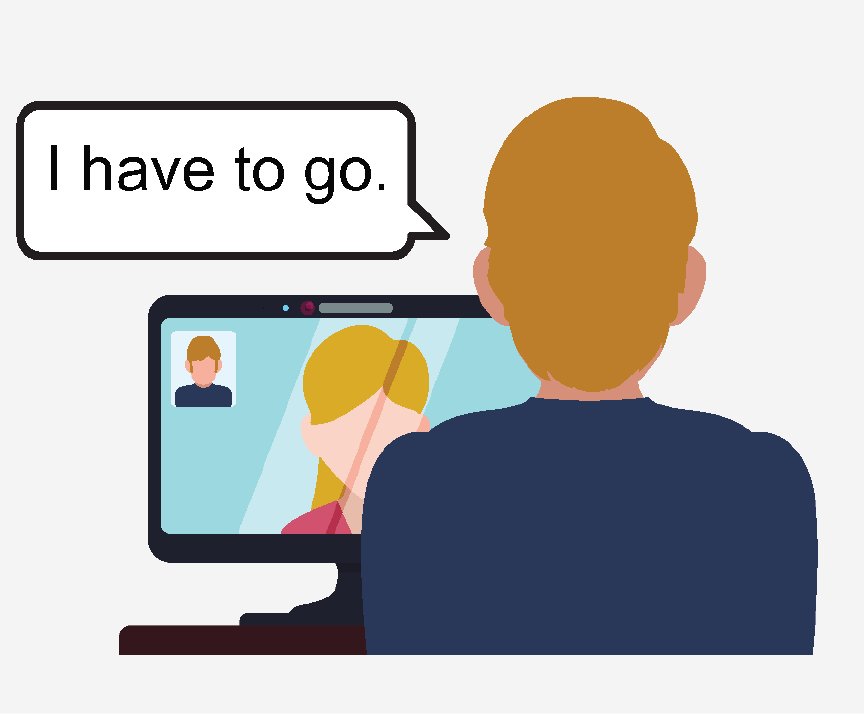
The back of a person's head looking at a computer screen and saying,

If you feel uncomfortable when interacting with others online, leave the situation and ask someone you trust for help.

Page 1 of 12
Page 1 of 12

Rate this resource

Average rating:

Thank you for rating this resource!

Download entire resource (pdf)

This information was developed by the Autism Services, Education, Resources, and Training Collaborative (ASERT). For more information, please contact ASERT at 877-231-4244 or info@PAautism.org. ASERT is funded by the Bureau of Supports for Autism and Special Populations, PA Department of Human Services.